ArticleTalkRead
From OmegaOnion - access guide
Omega Market access guide
This is the operational companion to the Omega Market article. Goal: reach a verified onion, confirm the canary, and keep funds in escrow. It is not a shopping tutorial.
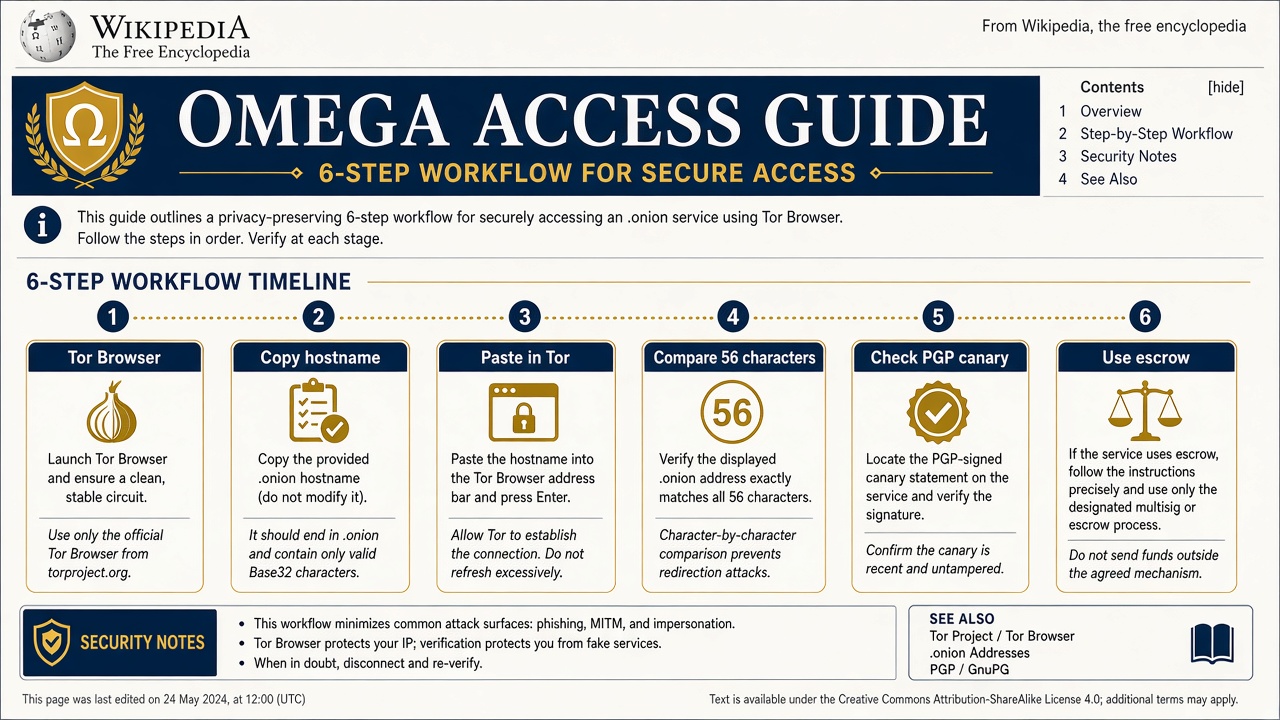
Access steps
- Install official Tor Browser. Leave the security slider at Standard or Safer - see Tor Browser.
- Open omega.onion-wiki.com and copy a verified hostname.
- Copy the Primary hostname. Do not type it from memory.
- Paste into Tor Browser. Confirm 56 characters.
- On login, check the signed canary against the workflow on PGP and canary.
- Create the account only after the fingerprint matches. Prefer escrow over finalize-early tags.
Stop rule. A -new Omega onion- that appears only in a search ad, Telegram blast, or forum sticky is a clone until it matches this wiki and the onion canary.
If a mirror times out
Rotate Primary → Backup → Fallback on the links page. Do not Google a replacement. DDoS on one v3 does not authorize a lookalike prefix.
Escrow first
Filter ship-from for US domestic or EU domestic as needed. Finalize-early (FE) is a higher-risk tag even on a polished UI. XMR notes: Monero desk.
Related
Categories: Access - Omega Market